
Interactive translation teaching tools offer modern language educators a practical way to transform static text analysis into dynamic classroom participation. When learners actively engage with parallel texts, terminology databases, and shared documents, linguistic concepts transition from abstract rules into tangible working skills. Building a reliable digital workflow requires educators to balance technological convenience with core pedagogical principles, ensuring that software serves human insight rather than replacing it. Whether working in physical classrooms or supporting remote adult learning, tutors often look for resources that bridge the gap between theoretical grammar and real-world professional practice. Exploring how these digital environments function helps instructors design engaging sessions that keep students motivated, critical, and closely connected to contemporary industry standards.
What Is Interactive Translation Teaching Tools?
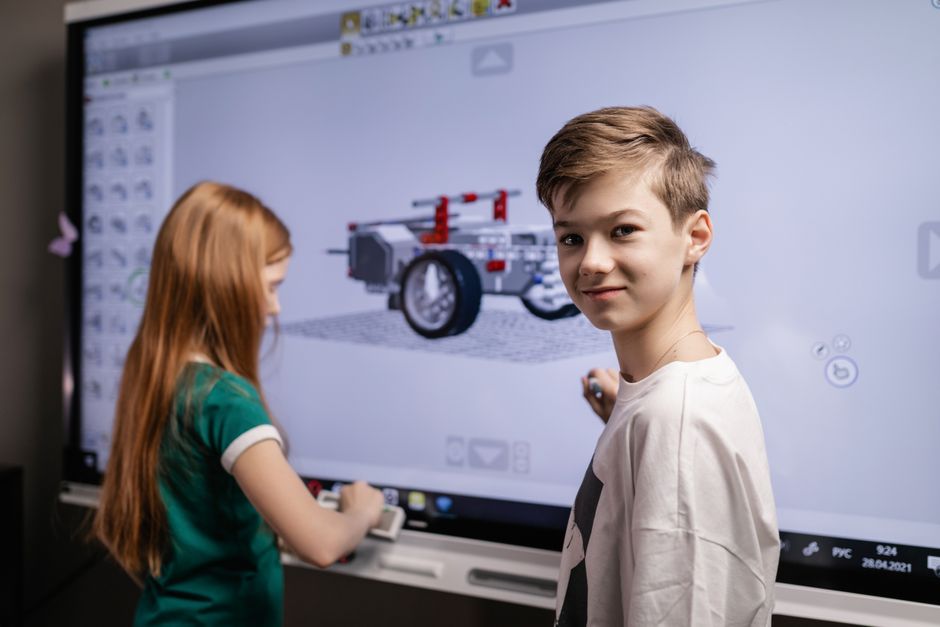
Interactive translation teaching tools encompass a wide array of collaborative software, annotation interfaces, parallel corpora, and terminology management systems designed for active classroom use. These environments allow tutors and learners to manipulate source and target texts simultaneously, highlighting structural shifts, stylistic choices, and equivalence issues in real time. Rather than passively reading finished translations, students dissect difficult passages together, compare machine outputs against human reasoning, and build shared glossaries. This hands-on approach reflects broader trends in blended language mentoring tools for tutors, where digital efficiency enhances direct mentorship instead of diluting it.
Every language tutor knows that keeping adult learners engaged requires activities that mirror actual professional environments without causing unnecessary technical frustration. Finding the right balance means selecting utilities that integrate smoothly into an existing lesson plan while encouraging peer-to-peer discussion. When introducing these digital systems, instructors must remain mindful of the cognitive load placed on students who are learning both a new language and complex software simultaneously. A gradual introduction allows learners to build confidence with basic annotation features before moving on to advanced parallel corpora and collaborative terminology banks.
The daily reality of running a language studio often involves adapting generic tech stacks into focused pedagogical instruments that serve specific linguistic goals. As noted in guidance from Ofsted guidelines regarding digital literacy in vocational training, technology is most effective when it supports structured, measurable skill development. Tutors do not need overly complicated enterprise suites to achieve these outcomes; simple browser-based editing spaces and shared spreadsheets can accomplish remarkable results when paired with thoughtful questioning and clear guidance. The objective is always to cultivate analytical depth rather than encouraging superficial speed.
Classroom Strategies and Practical Workflows
Integrating collaborative tools into daily instruction begins with choosing applications that allow real-time text manipulation and visible editorial tracking. Instructors can display a raw source passage on a shared screen while students work in small digital breakout rooms to draft initial versions using shared documents. This setup promotes active negotiation of meaning, as students must defend their lexical choices against counter-proposals from their peers. Such collaborative exercises naturally complement broader frameworks found in flexible training models for independent coaches who prioritize interactive skill-building over traditional lecture formats. Comparing different student drafts side-by-side reveals common pitfalls, such as literal calques or register mismatches, providing immediate teaching moments for the whole group.
Beyond basic text editors, integrating specialized resources like corpora and terminology databases elevates the analytical rigor of any lesson. Students can query large collections of authenticated texts to check collocational behavior and verify whether a specific phrase sounds natural in professional contexts. Subtitle platforms also provide an engaging audiovisual dimension, letting learners translate short video clips while managing tight spatial and temporal constraints. Machine translation engines can be introduced deliberately as comparative benchmarks, asking students to identify and correct algorithmic errors rather than accepting automated outputs blindly. This critical engagement prevents over-reliance on technology and reinforces the irreplaceable value of human linguistic judgment (Bowker & Ciro, 2019).
We do not need fancy enterprise software to teach translation well; we just need a shared text where everyone can see each other’s edits, make mistakes out in the open, and talk about why one word works better than another in a real professional setting.
Structuring these practical sessions also involves managing time effectively so that technical troubleshooting never eclipses linguistic analysis. Instructors should establish clear ground rules for how annotations, comments, and revision histories are used during group tasks. When learners understand how to track changes and leave constructive feedback for one another, the digital workspace transforms into a supportive editorial workshop. Emphasizing process over perfection encourages experimentation, helping students overcome the fear of making errors in front of their peers.
Assessing Impact and Maintaining Pedagogical Focus
Evaluating student progress within interactive digital environments requires shifting away from traditional red-ink error correction toward holistic process assessment. Tutors can review version histories and comment threads to observe how a learner’s draft evolved from an initial literal translation into a polished, culturally appropriate target text. This granular visibility helps educators identify persistent conceptual misunderstandings, whether those involve syntactic interference, cultural nuances, or specialized terminology management (Mikkelson, 2014). Regular formative assessments embedded within these collaborative workflows ensure that learners receive timely, targeted feedback on their translational choices.
Ultimately, the success of any digital teaching aid depends entirely on the pedagogical framework established by the instructor behind the screen. Technology should act as a transparent conduit for meaningful dialogue, critical thinking, and collaborative problem-solving among peers. By maintaining clear boundaries around when and how automated translation aids are applied, tutors protect the integrity of the language acquisition process. Thoughtful implementation guarantees that students graduate not merely as passive operators of software, but as discerning, adaptable language professionals equipped for modern careers.
As digital standards continue to evolve, independent educators must remain adaptable, continuously evaluating which tools genuinely serve their students’ long-term professional development. Staying informed through professional networks, peer discussions, and official educational directives ensures that lesson design remains grounded in evidence-based practice. By combining solid foundational theory with creative, hands-on digital activities, tutors can build inspiring learning environments that stand the test of time. The future of language education belongs to those who view technology as a collaborative partner rather than a replacement for expert human guidance.
References
Bowker, L., & Ciro, J. (2019). Machine Translation and Minority Languages: Playing the Long Game. Translation and Translanguaging in Multilingual Contexts.
Mikkelson, H. (2014). Introduction to Court Interpreting. Routledge.